
 Windows Media player is all we are comfortable with when it comes to instant playing of audio or video files but it lets us down most of the times by showing the message that it doesn’t support the codec and also Many times many people doesn’t want to take extra pains in installing other third party soft wares like VLC player or any other player like Real player which almost plays every codec.
So does that mean that you need to forget your favorite Windows Media player forever and surrender to not so good user interface of VLC or any other player? The answer is definitely “NO”, as we will tell you that how you can make your Windows Media player more brainy and more healthier so that it plays almost all of your favorite codecs and that too without any hassles, all it will be taking is just a onetime software installation patch which we will guide you in the process.
Now, you may ask about what is a codec? Codec is basically derived from the word Compression and DECompression a set of programs which is capable of encoding or decoding a stream of digital stream of signal.
The main reason for Windows Media Player not playing many codecs like .AVI or any other file codecs is that the manufacturers generally use the different codecs for the same file formats so even though .AVI is supported by your WMP (Windows Media player) it may not play because of encoding used when it’s created. You can overcome this by downloading the required codec from the manufacturer itself which will solve the problem.
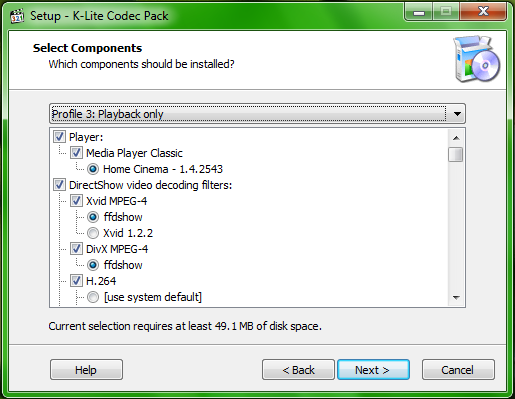
Now, you may ask that it will be a tedious job, yes the process of finding the missing codec first, searching the codec and installing the same would take ages. But not to worry, there’s software which is called as K-Lite Codec pack which will make things easy and will install the codecs in a zippy. K-Lite is having the best collection of codecs as it almost plays just everything, from AVI to 3GP, Quick time to DivX to HDTV files to name a few. You can even enjoy this for the latest Windows Media Player 12 which comes built in for Windows 7
There are 3 versions of the K Lite codec pack, Basic, standard and Full. It’s recommended to install the full version so that you need not have to look back again for missing codecs. All the three versions of the K Lite codec packs are available here for download, these packs are completely free and not the trial ones.