
 Have you ever wanted to know an IP address of the sender who has sent you an email. If yes then let’s check out how with simple steps you can easily find an IP address of the email sender. For finding the IP address you neither have to use any third party software or any plugins. All you will be requiring is just a Gmail account and nothing else. So, whenever a mail arrives in your Gmail mail box, it arrives with the IP information. With the method which is mentioned below, you can find the IP address of the mail irrespective of the sender’s mail address, be it a Gmail’s address or any corporate domain name, every mail’s IP address can be tracked.
Procedure to find the IP address of Email Sender:
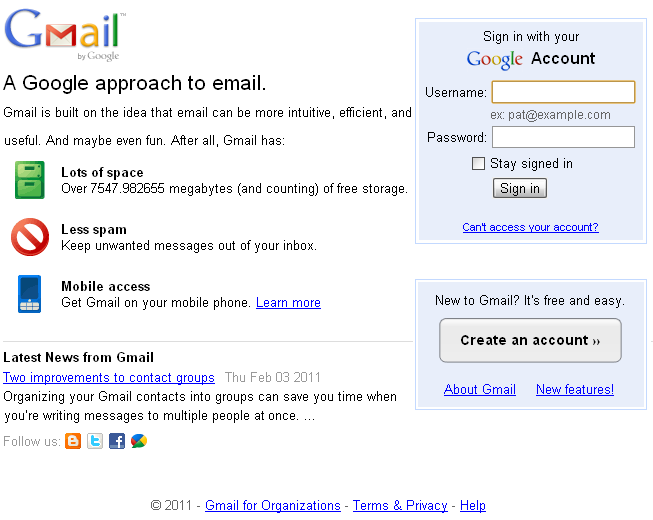
- Firstly, you will have to login to your Gmail account, enter username and password details and open the Inbox.
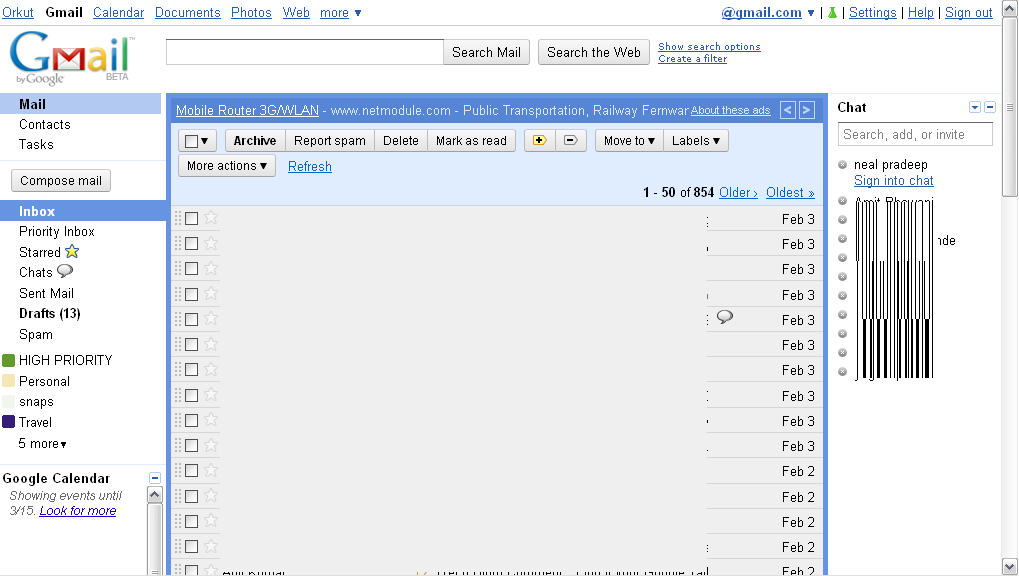
- As soon as you open an inbox, open a mail which you have received from your Gmail friend or from any other domain. As in the domain name should be of @gmail.com.

- So now, after opening the email, you need to click on the drop down box as shown below which is just next to either “Reply” option or next to the “Reply to all” for getting the IP address details of the sender.
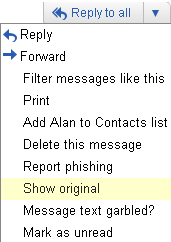
- After selecting the drop down box, you first need to find the option “Show Original” and then simply click on the same and you can see that whole mail will be opened in the new window.
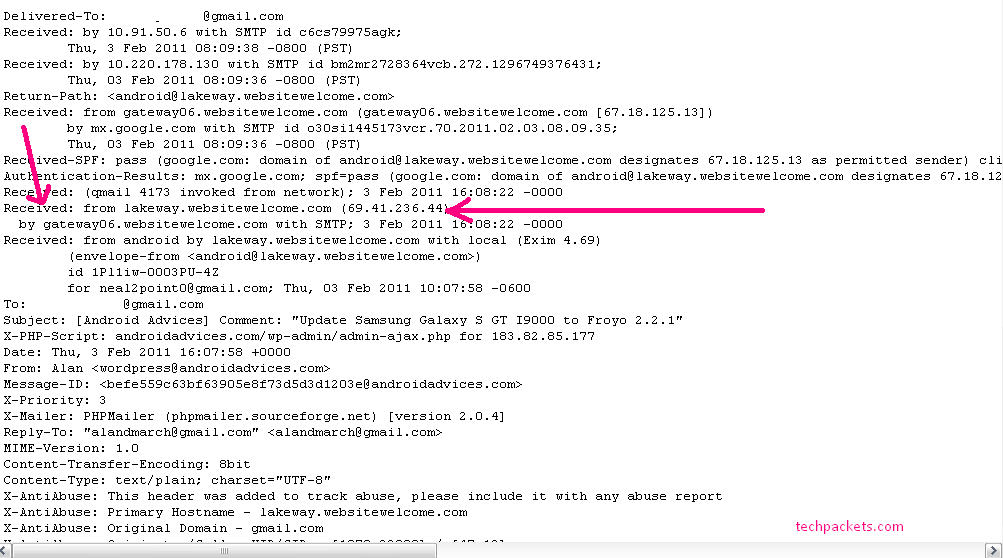
- As you can see that as soon as the mail gets opened in the new window, you will have to find the word “Received : from” on the page. The IP address will be mentioned at the end of this line as shown above with the pink arrow marks.As it’s mentioned below, the IP address from which the above mail has come from is 115.118.38.25. At the end, in brackets, is the IP address of the person or company who sent the email to you.
Received: from mail1.uninor.in (mail1.uninor.in [115.118.38.25])
This is it, you have now successfully found the IP address of the sender easily from the above procedure.